What Should You Name Your Resume File? Use This Simple Format
Name your resume file clearly, follow the employer's instructions, and keep private version notes out of the file you submit.
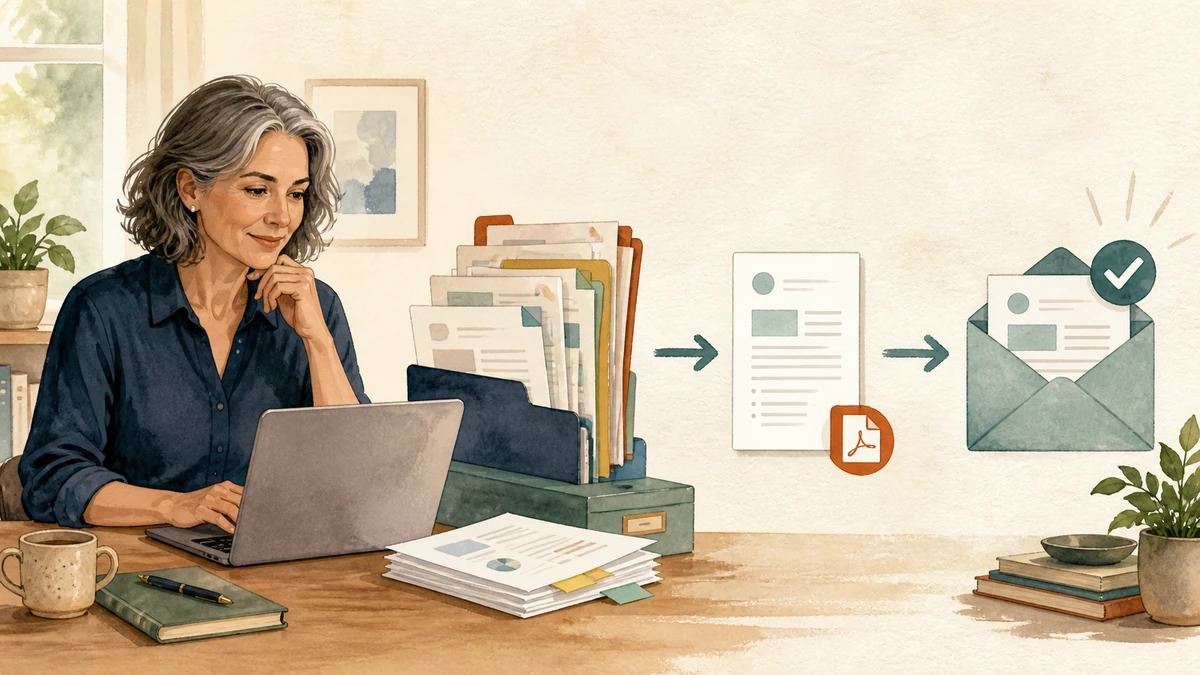
Use this format unless the employer gives you different instructions:
First-Last-Resume.pdf
For example:
Maya-Perera-Resume.pdf
If you are applying for several different kinds of work, add the role:
Maya-Perera-Office-Manager-Resume.pdf
That is enough. You do not need a clever name, a long tracking code, or a claim that the file is finally, absolutely, definitely finished.
The first rule is to follow the instructions
Read the application page before choosing the name or file type. If it says to use a particular format, copy that format exactly.
An employer might ask for:
LastName_FirstName_Position.pdf
Use that even if you normally prefer hyphens. The Harvard career centre's internship guidance gives a similar example: when an employer asks for a particular PDF name, submitting separate documents with draft-style names shows that the applicant missed an instruction.
If there is no naming instruction, use your name, the word “Resume” or “CV,” and an optional role. La Salle University's career centre guidance recommends an appropriate saved name such as last name, first name, and resume.
A viral post made this sound scarier than it is
In August 2026, a post on X showed a supposed rejection over a file named like resume_final_FINAL_final2.pdf. It reached millions of views and made people wonder whether a harmless filename could cost them a job.
Do not treat the pictured rejection email as verified. The author later made a reply suggesting that AI was involved.
A conventional filename is still worth using because it is free, clear, and easy for another person to recognise. But a filename is not evidence that you can or cannot do the job. Do not panic over an old application because you submitted Resume_Final.pdf.
Fix the name for the next application and spend your real effort on relevant evidence, clear writing, and following the employer's instructions.
Use one clean name outside and detailed names inside
The file you submit and the files you keep for yourself have different jobs.
Your private folder needs enough detail to prevent you from sending the wrong version. Your submitted file needs to be easy for someone else to recognise.
| Where the file lives | Useful name |
|---|---|
| Your private master folder | Resume-Master-2026-08-25.docx |
| Your private application folder | 2026-08-25-North-Street-Office-Manager.docx |
| The file you submit | Maya-Perera-Office-Manager-Resume.pdf |
Keep one folder for each application. Store the job description, the editable resume, the submitted PDF, and any cover letter together.
That lets you keep dates, company names, and version numbers privately without sending a file called FINAL-v7-USE-THIS-ONE.pdf.
PDF or Word document?
Again, follow the application instructions first.
If no file type is specified, a PDF is often a sensible choice because it preserves the page layout. Before submitting it:
- open the PDF yourself;
- confirm that every page is present;
- select and copy a sentence to check that the text is real text, not only an image;
- check that links, dates, bullets, and headings are still readable;
- make sure the file opens without a password.
Use a Word document when the employer or application system asks for one. Do not rename a .docx file to .pdf; export or save a real PDF from the program you used.
The file extension must match the actual file. A neat name cannot repair a broken document.
Keep the name plain
Use letters, hyphens, or underscores. A role title can be shortened if the name becomes awkward.
Good:
Maya-Perera-Resume.pdf
Maya-Perera-Bookkeeper-Resume.pdf
Perera-Maya-CV.pdf
Avoid sending:
Resume.pdf
My CV newest one.pdf
FINAL-final-v4(2).pdf
Maya-Perera-Resume-North-Street.pdf
The last example is not disastrous, but putting a company name in the submitted filename creates an easy mistake: you can forget to change it before the next application. Keep the company name in your private application folder instead.
Also avoid emojis and unusual symbols. They add no useful information and may behave differently across systems.
Check the inside before you check the name
A good filename will not make a generic resume relevant. Before exporting the clean file, use the guide to tailoring a resume to a job description.
At minimum, confirm that:
- the contact details are current;
- the role and employer are the ones you meant to target;
- the most relevant experience is easy to find;
- every claim is true;
- tracked changes and comments are removed;
- the filename contains your name;
- the PDF opens correctly;
- you attached the correct file.
The best answer is deliberately boring: First-Last-Resume.pdf. Keep your complicated version history on your own computer and send one clean, readable document.
AI-assisted research and drafting, grounded in the cited sources. Hiring decisions should remain human-reviewed.
Have a pile of resumes waiting?
Upload the PDFs, paste the job description and your rubric, then use the ranked reviews as a starting point—not an automatic hiring decision.
Rank resumes with Resume Ranker